Teachable Machine
What is Machine Learning?
what is machine learning, how is it used, real life applications, today what you’re going to create.
Creating a repository
Go to github.com and sign in or login to your account. Create a new repository (this is where you store all your code) by pressing the green button.
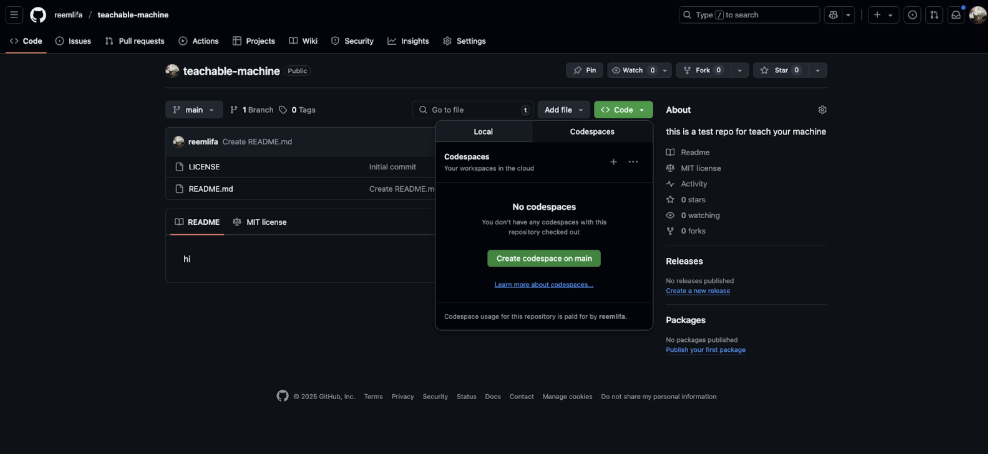
After you’ve successfully created a new repository, click on the green code button, create a codespace on main, wait for codespaces to set up and you’re ready to start coding!

Adding some files
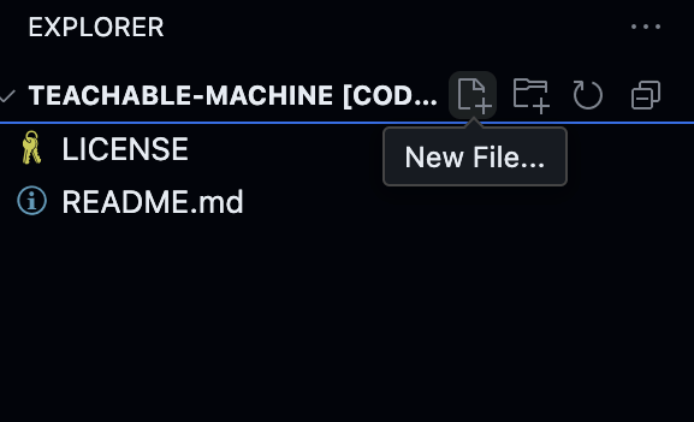
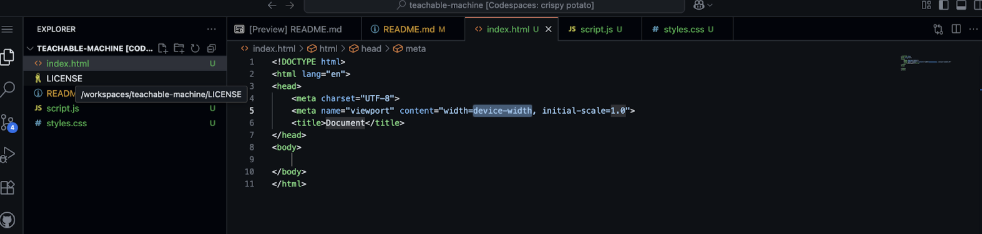
Click that tiny little file button to start adding files in your project.
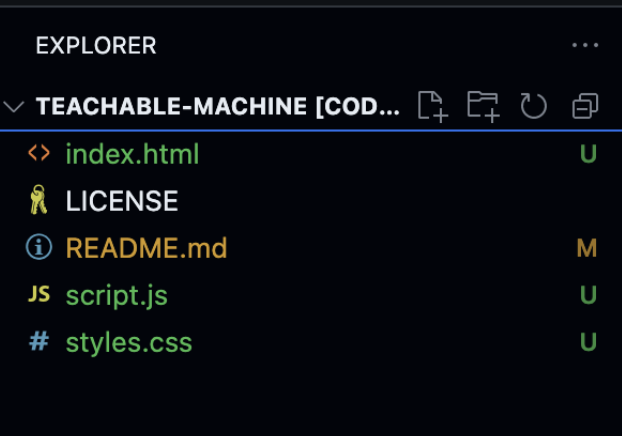
I’m going to add an HTML (basically like a skeleton for your code), CSS (the styling! making it pretty!), and JavaScript (used for interactivity) files to our codespace.
Let's head over to index.html. I could just type the skeleton of my website out myself, but I’m kinda lazy. Let's use a shortcut to get a boilerplate () to automatically get the anatomy of my code.
! + tabAdding and seeing your code
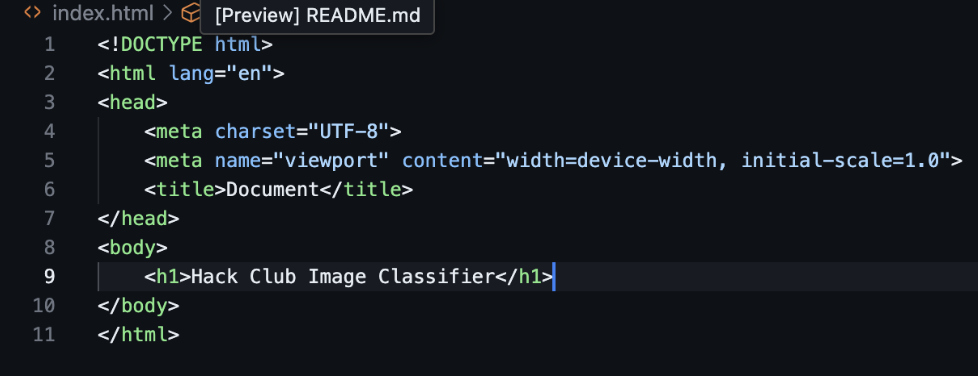
In my case, I want to create a machine learning model that can differentiate which Hack Club sticker i am holding up. I’m going to add a Heading1 Tag to our HTML (<h1></h1>) and I’m going to write “Hack Club Sticker Classifier” in the tags.
Amazing! You’ve just written your first lines of code. However, how do you see the changes you create?
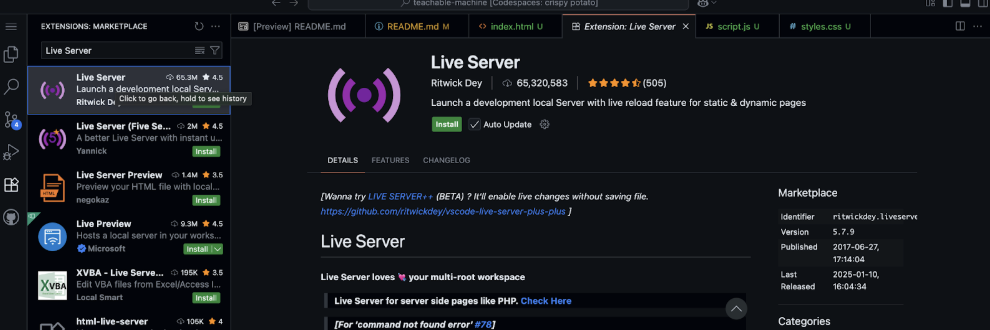
Let's head over to Extensions on the left sidebar, then type in Live Server.
Live Server is an extension that allows us to see our code with real-time changes in our browser whenever we make changes to our code. Click install, (trust the publisher if you get that message), and at the bottom right-hand corner, you should see a button that says Go Live! This will launch a local server of your website that can only be seen on your device. (We’ll go over how to share active links later.)
You should see this. Pretty plain, right? We’ll talk more about adding CSS later to make your website as unique as you are.
Get started
Open Teachable Machine and get started. Start a new standard image project (you can do an audio or pose project, but this tutorial will be using images!).
In this tutorial, I’ll be using some Hack Club stickers I found lying around HQ to train my model. However, you can use literally anything to train your model (as long as it's legal).
Classes are categories/labels for a data type. These classes are essentially the different things you want the model to be able to distinguish between.
In this tutorial, I’m going to be using a Summer of Making Sticker, a Boba Orpheus sticker, and a (not NASA for legal reasons) sticker. However, you can (and should) use literally anything to create classes of data. I’m going to create three classes and rename them with each of the stickers' names.
Uploading and Understanding Data
Now it’s time for the ✨data ✨. Data is super duper important to any ML model.
Why is it super important?
Look at your machine learning model as a newborn baby. A baby has no knowledge, so it needs to see different types of people and things to independently adapt. Your ML model is a baby right now; you need to feed it with data so it learns how to recognize patterns and adapt! You can read this article if you’re interested in learning more.
You can either upload a bunch of images from your camera roll or you can take them on your device.
Press hold to record a burst of photos. Make sure to get images in a diverse environment (different backgrounds, from different angles, upside down, inside out – the works!). The more data → the better your machine can recognize and adapt to data.
Do the same for the rest of your classes.
Training your model!
Now that you have 2 (or more) different datasets, it’s time to train your model!. Click the Train Model button and let Teachable Machine do its thing for a few minutes.
did you know?
did you know that teachable machine was created in python? check out its development here, or check out this advanced tutorial for building an image classifier in python here!

Preview
When you see something like this in the preview, you should know now you have a working Machine Learning Model! Incredible work.
Test it out! Put your data up and see if your machine recognizes the images or not.
machine not recognizing images/not being accurate?
sometimes, with a lack of diverse data, a machine may not fully recognize a type of data. thats why its so so important that we feed it diverse data sets in order to have our data represented in the world!